You have decided your business needs a new website.
Great.
Then someone asks a question you probably were not expecting:
“What should we build it with?”
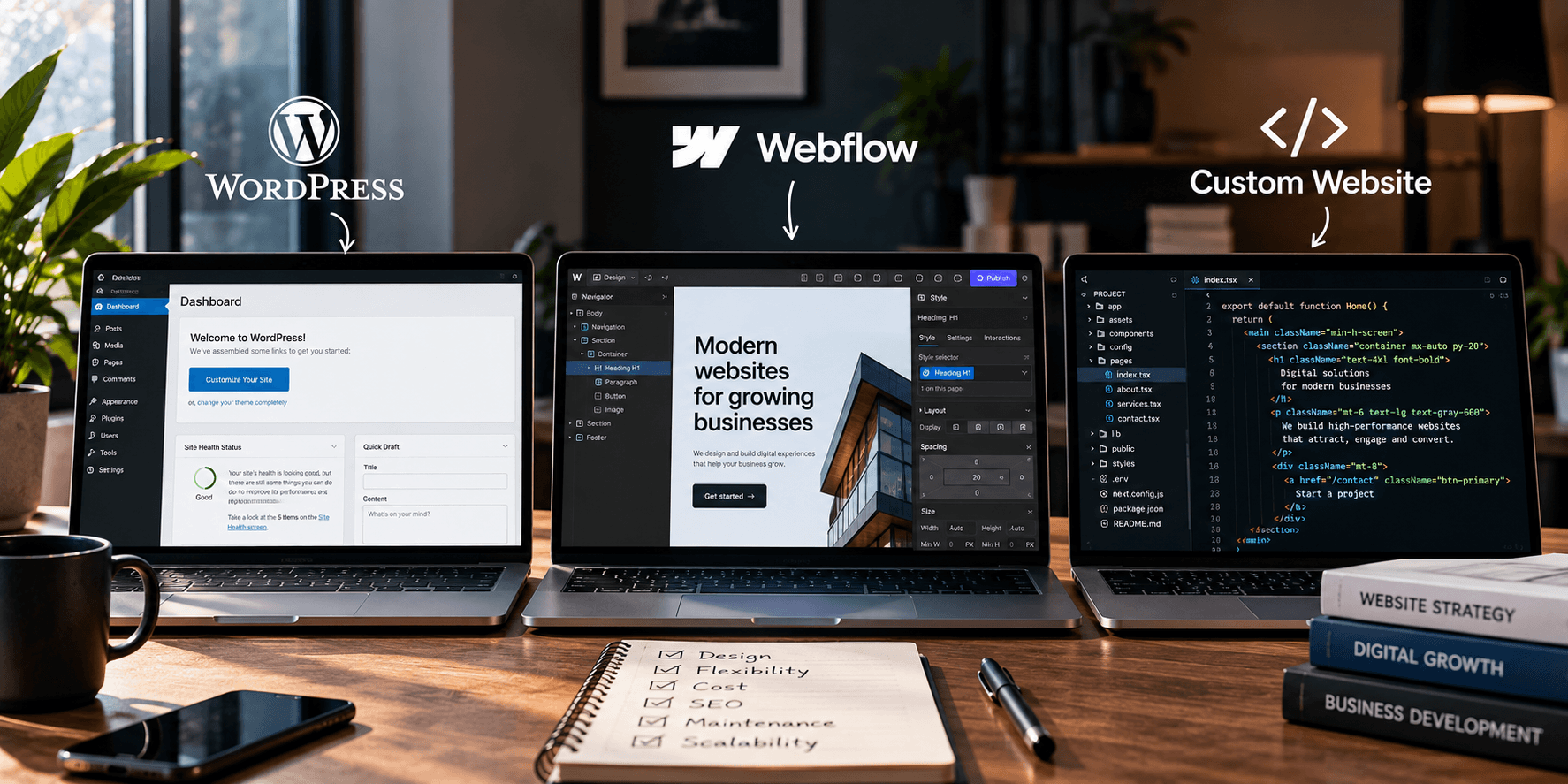
Suddenly, you are comparing WordPress, Webflow, custom development, hosting, plugins, CMS platforms, frameworks, maintenance costs, and technical terms you probably never wanted to learn in the first place.
One developer tells you WordPress is the obvious choice. Another says Webflow is cleaner and more modern. Someone else insists that a serious business should have a completely custom website.
Everyone seems confident.
So who is right?
Potentially, all of them.
The problem is not that one platform is universally better than the others. The problem is choosing a platform that does not fit your business.
A small service company does not necessarily need the same technology as a fast growing software company. A marketing website does not have the same requirements as a complex customer portal. And a company that publishes new content every day needs something different from a business that updates its website three times a year.
So instead of asking which website platform is the best, there is a much better question to ask:
Which one is best for what your business actually needs?
WordPress: flexible, familiar and incredibly versatile
WordPress is probably the name you will hear most often when discussing business websites.
There is a reason for that.
WordPress is an open source content management system, which means businesses and developers have significant freedom to customize how a website works rather than being locked entirely into one company’s ecosystem.
It can power a relatively simple company website, a large publication, an ecommerce store, a membership platform, a learning website, or something much more complex.
That flexibility is one of its biggest advantages.
If your business needs a blog, landing pages, service pages, forms, integrations, ecommerce functionality, SEO tools, or the ability for your internal team to regularly update content, WordPress can handle a lot.
It also has an enormous ecosystem of themes, plugins, developers, and integrations available.
But that flexibility comes with responsibility.
A poorly built WordPress website can become slow, cluttered, insecure, and difficult to maintain. Install enough unnecessary plugins and you can end up with a website where five different pieces of software are trying to solve problems that should have been handled properly from the beginning.
WordPress is powerful.
But the quality of a WordPress website depends heavily on how it is built.
When WordPress makes sense
WordPress is often a strong choice for businesses that need flexibility without paying for completely custom development.
It works particularly well when content matters.
If you plan to publish articles regularly, create new service pages, build landing pages, improve your SEO, or allow nontechnical team members to manage parts of the website, having a proper content management system becomes valuable.
It can also make sense when you want more control over your hosting, website files, integrations, and overall technology.
The important thing is not to treat WordPress as the cheap option.
A professionally designed WordPress website can be every bit as polished as websites built with newer tools. The platform itself does not determine whether the design looks modern.
The execution does.
Where WordPress can become frustrating
The same flexibility that makes WordPress powerful can also make it messy.
There are thousands of plugins, themes, page builders, hosting companies, and different ways to build almost the same thing.
That means two WordPress websites can have completely different levels of quality behind the scenes.
One could be fast, lightweight, easy to maintain, and carefully structured.
Another could have 35 plugins, outdated software, conflicting scripts, and a dashboard nobody understands.
Maintenance matters too.
WordPress sites need to be managed properly. Plugins, themes, security, backups, and updates cannot simply be ignored forever.
If you want a website that requires absolutely no technical attention, that should be part of the decision.
Webflow: when design and visual control matter
Webflow approaches website building differently.
It gives designers a highly visual environment for building websites while still producing structured web experiences behind the scenes. It also includes hosting and content management capabilities within the same ecosystem. Webflow’s current platform supports CMS driven websites and managed hosting rather than requiring businesses to assemble those pieces separately.
For many marketing websites, that can be extremely convenient.
Instead of managing hosting from one company, plugins from several others, and a separate visual builder, much of the experience lives inside Webflow.
It is particularly attractive for companies that care heavily about design.
Animations, responsive layouts, typography, interactions, and carefully crafted visual experiences can be built with a high level of control.
That is one reason Webflow has become popular with design agencies, startups, technology companies, and brands that want visually sophisticated marketing websites.
When Webflow makes sense
Suppose your website is primarily there to communicate your brand, explain your services, showcase your work, publish marketing content, and generate leads.
Webflow can be a very strong option.
It can also work well when you want designers or marketers to have more control over the website without constantly involving developers for relatively simple changes.
For a company that values design quality and wants a relatively contained website ecosystem, the appeal is obvious.
You build the site, manage the content, host it, and maintain much of the experience within one platform.
There is less technical fragmentation.
And for the right business, that simplicity is valuable.
Where Webflow can become limiting
Convenience comes with tradeoffs.
When more of your website lives inside one platform, you also become more dependent on that platform.
Your available features, hosting structure, CMS limits, and certain capabilities operate within Webflow’s ecosystem. Webflow also uses tiered site and workspace plans, so the requirements of a larger or more complex website can affect ongoing costs.
That might not matter at all for your business.
But it might.
If your website eventually needs highly specialized backend functionality, unusual integrations, complex user accounts, advanced databases, or application like features, you may begin pushing beyond what the platform was originally chosen to do.
That does not make Webflow bad.
It simply means every platform has boundaries.
The mistake is pretending those boundaries do not exist.
Then there is custom development
When people hear “custom website,” they sometimes assume it simply means a website that was designed specifically for the business.
That is not necessarily what we mean here.
A truly custom developed website involves building much more of the underlying system specifically for your requirements rather than assembling the website primarily through an existing website platform.
This can give you enormous control.
You can decide exactly how things should work.
You are not limited to the structure of a page builder or the capabilities of an existing plugin.
If your business needs unusual functionality, complex integrations, customer dashboards, internal tools, sophisticated search systems, highly customized ecommerce experiences, or software that happens to be delivered through a website, custom development can make sense.
Sometimes it is not simply the best option.
It is the only sensible one.
Custom does not automatically mean better
This is important.
Businesses sometimes hear the word “custom” and immediately assume it means premium.
It can.
But building something from scratch does not automatically make it better.
It simply means more of it was built specifically for you.
That comes with additional development time, technical complexity, testing, maintenance, and usually cost.
Imagine paying a development team to build a custom content management system simply so your marketing manager can publish three blog posts per month.
Could it be done?
Of course.
Was it necessary?
Probably not.
You do not need to manufacture your own engine to drive to work.
Sometimes existing technology already solves the problem extremely well.
Custom development becomes valuable when your business has requirements that justify the customization.
When custom development makes sense
The case for custom development becomes stronger as your website starts behaving more like software.
Suppose customers need individual accounts.
They log into dashboards.
They manage subscriptions.
They interact with proprietary data.
Your website communicates with several internal systems.
Different users need different permissions.
You have workflows that simply do not fit neatly into an existing website platform.
At that point, forcing everything into WordPress or Webflow because they are familiar could create more problems than it solves.
Your technology should support the business model, not restrict it.
This is where custom development earns its place.
But most businesses do not need everything custom
If you run a consulting firm, law firm, real estate company, creative agency, professional service business, school, restaurant, construction company, or similar organization, your website probably has relatively straightforward goals.
You need people to understand what you do.
You need to establish credibility.
You need to showcase services or products.
You need people to contact you, request a quote, book something, buy something, or take another clear action.
You may need a blog or resources section.
You may need integrations with your CRM, email marketing platform, analytics, payment provider, or booking software.
None of that automatically requires building an entire website infrastructure from scratch.
A good development decision solves today’s requirements while leaving reasonable room for tomorrow.
It does not introduce complexity simply because complexity sounds impressive.
Think about who will manage the website after launch
This question is often ignored during website projects.
Who is going to update this thing?
Not on launch day.
Six months later.
Your developer may find the dashboard incredibly easy to use. That does not mean your marketing assistant will.
If publishing a new article requires contacting a developer every time, that can become frustrating.
If changing a photograph risks destroying the page layout, something is wrong.
If nobody inside your company understands how the website works, you have created dependency.
Whatever platform you choose should consider the people who will actually operate it.
For content heavy businesses, ease of publishing may matter enormously.
For businesses that rarely touch their website, it might matter much less.
The right technology fits the team as well as the website.
Think about what happens when you grow
Your website should not only solve the business you have today.
It should have enough flexibility for the business you are becoming.
Maybe today you only need five service pages and a contact form.
But what happens next year?
Are you expanding into new locations?
Launching ecommerce?
Publishing hundreds of articles?
Adding multiple languages?
Building customer accounts?
Connecting to internal software?
You cannot predict everything.
And you should not overengineer the website trying to prepare for every imaginary future scenario.
But you should understand the direction of the business well enough to avoid choosing technology you are likely to outgrow almost immediately.
SEO is not automatically better on one platform
This is another area where platform debates become unnecessarily dramatic.
You will hear people say WordPress is better for SEO.
Others will say Webflow is better.
Developers may tell you custom websites provide the ultimate technical control.
The reality is more nuanced.
Search engines do not reward a website simply because somebody selected a particular CMS.
They care about what they can actually access and understand.
Your content matters.
Your website architecture matters.
Page speed matters.
Internal linking matters.
Technical implementation matters.
Metadata matters.
Structured data can matter.
User experience matters.
The platform can make some of those things easier or harder to manage, but simply choosing a particular platform does not give you good SEO.
Good SEO still has to be done.
Do not choose based on trends
Technology has trends just like design.
A new platform becomes popular and suddenly everyone says businesses need to migrate.
Developers begin posting about why one technology is dead and another is the future.
Then another platform appears.
Your customers probably do not care.
They are not sitting on your website wondering which CMS you used.
They care whether the website loads quickly.
They care whether they can understand your offer.
They care whether the company looks trustworthy.
They care whether the site works on their phone.
They care whether they can find what they need.
And they care whether completing the next step is easy.
Technology is important.
But it is infrastructure.
Your customer experiences the result, not the platform debate behind it.
So which one should you choose?
If you need a flexible, content friendly website with a large ecosystem and plenty of room for customization, WordPress can be an excellent choice.
If you want a highly polished marketing website, value strong visual control, and prefer a more contained platform where design, CMS, and hosting work closely together, Webflow may be the better fit.
If your requirements go far beyond a conventional marketing website and involve specialized functionality, unique workflows, sophisticated integrations, or application level features, custom development may be worth the investment.
But there is no trophy for choosing the most complicated option.
There is no business advantage in spending three times as much on technology your company does not need.
And there is no wisdom in choosing the cheapest solution if you already know the business will outgrow it quickly.
Choose based on your requirements, your team, your budget, your growth plans, and how the website will actually be used.
Because ultimately, your customers will never congratulate you for choosing the right CMS.
They probably will not even know what you used.
What they will notice is whether the website works.
And that is the decision that actually matters.